
How to read our water meters
Whether we’ve installed a mechanical or digital water meter on your property, here are the steps you need to follow to read our meters and check the serial number. Reading the meter can help confirm your water use and help you check for leaks.
Readings are typically divided in two. The first section of numbers relates to how many thousand litres of water (kilolitres/kL) have been used. The second section of numbers are the fractions of litres. Your usage is billed in kL.
The locations, length and format of the serial number depends on the type of meter and when it was first installed.
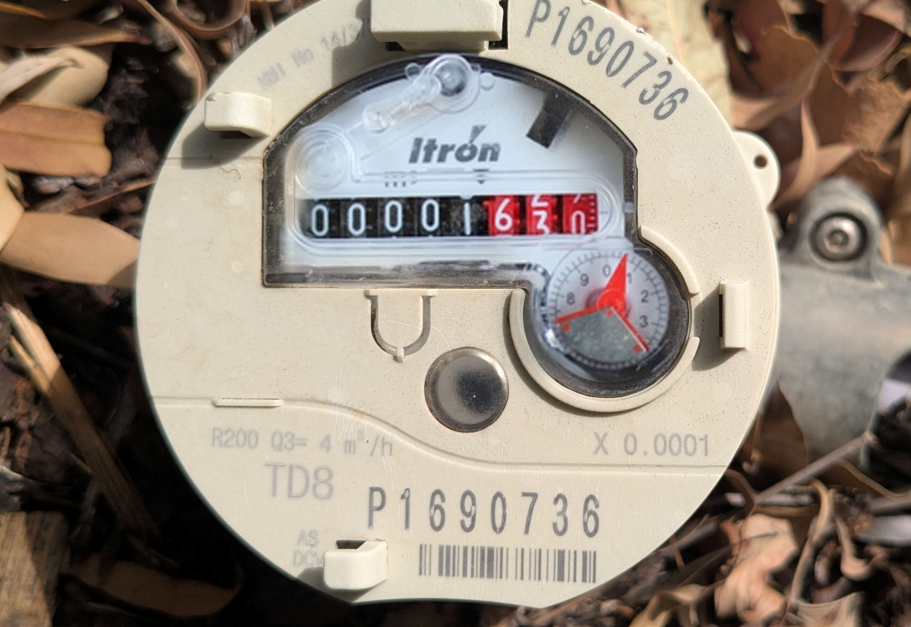
Itron Mechanical Meter
The meter reading is 1kL.
The serial number is P1690736
The white numbers on the black background are the meter reading in kL. For billing purposes you don't need to read the red numbers or pointers, which are litres. Meter readings are billed in kL.
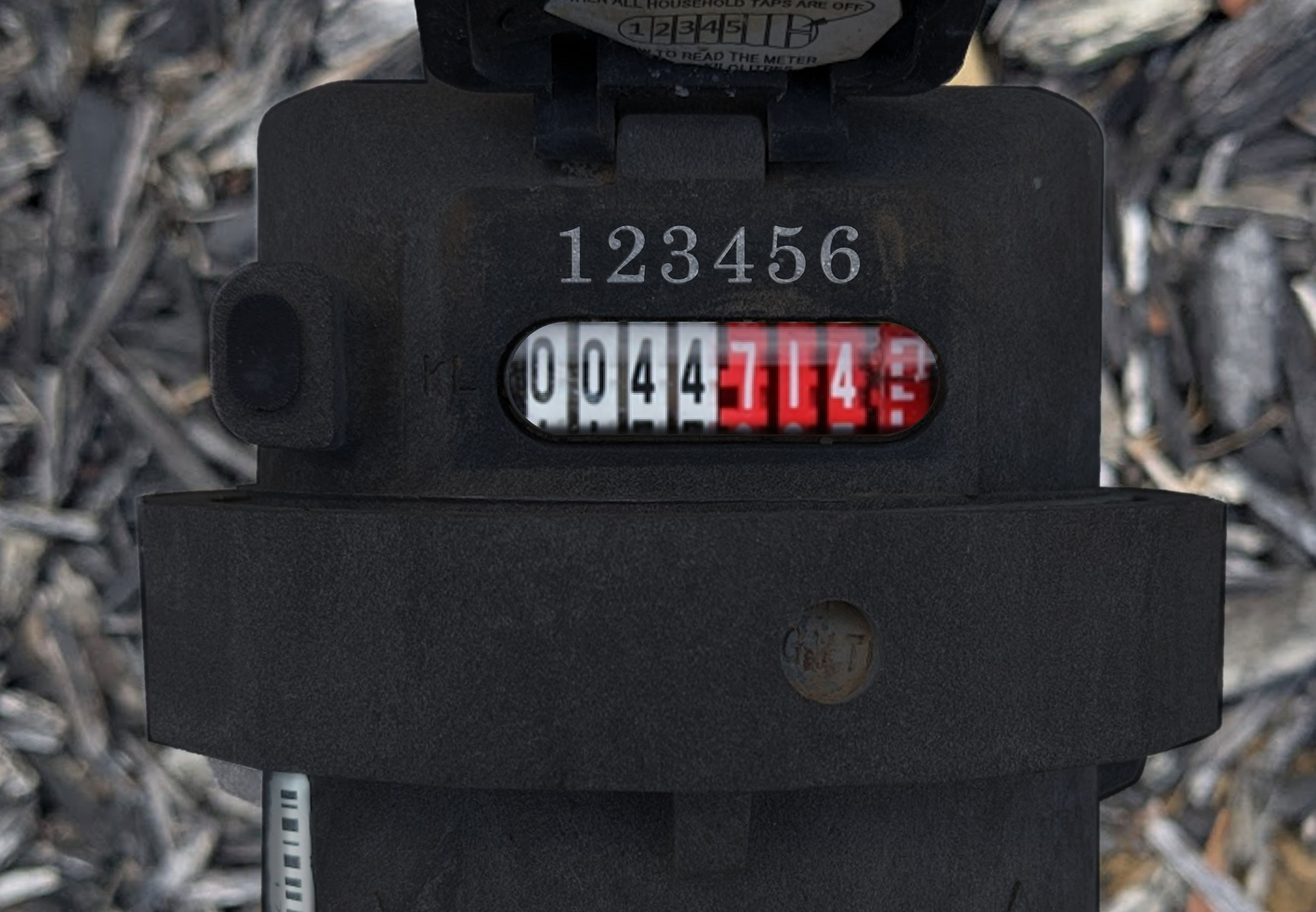
Elster and GVT Mechanical Meters
The meter reading is 44kL.
The serial number is 123456
The black numbers on the white background are the meter reading in kL. You don't need to read the red numbers or pointers, which are litres. Meter readings are billed in kL.
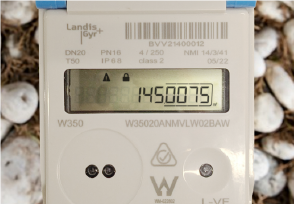
Landis + Gyr W350
The meter reading is 145kL.
The serial number is BVV21400012 The numbers before the decimal show the reading in kilolitres (m3).
You don’t need to read the underlined numbers after the decimal for billing. If another unit appears on the screen, slow-tap the bottom right sensor until “m3” is displayed.
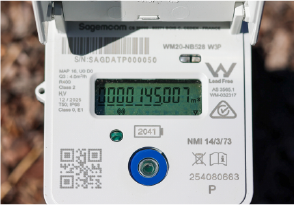
Sagemcom Siconia
The meter reading is 145kL.
The serial number is SAGDATP000050 The underlined numbers before the decimal show your reading in kilolitres (m3).
You don’t need to read the digits after the decimal for billing. If another unit appears on the screen, slow tap the round button until “m3” is displayed.
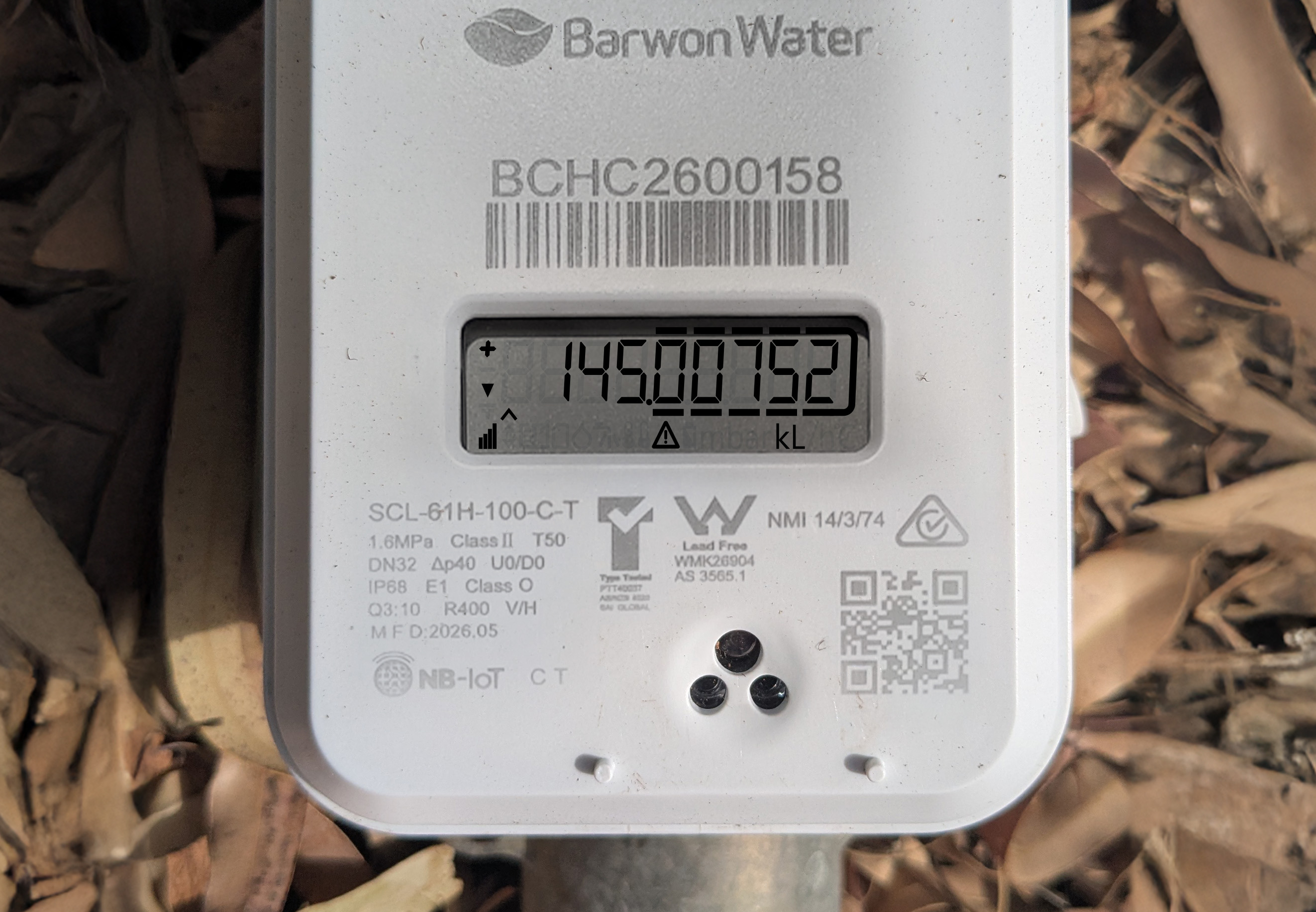
HZ Digital Meter
The meter reading is 145kL.
The serial number is BCHC2600158 The numbers before the decimal show your reading in kilolitres (kL).
For billing purposes, you don’t need to read the underlined digits after the decimal which indicate litres. If another unit appears, slow tap the three dots until “kL” is displayed.
Calculating water usage
To find out how much water you’ve used, subtract your previous reading from your current reading.
Your usage is recorded and charged on your bill in kL.
Monitoring your daily usage
Mechanical meter
If you'd like to monitor your daily water use, check the meter readings at approximately the same time each day (noting down all the numbers and their position). Then calculate the difference between each reading to compare your daily water use.
For more information visit Check for leaks - Mechanical
Digital meter
If you'd like to monitor your daily water use, you can manually calculate your usage as you would with a mechanical meter.
For more information on visit Check for leaks - Digital